Invite Your Network to Believe in Music
NAMM authorized contact members can now send personalized invites to members of their community, welcoming more to Believe in Music.
Instructions
- Sign in to https://registration.namm.org
- Select ‘Invitations’ from the menu
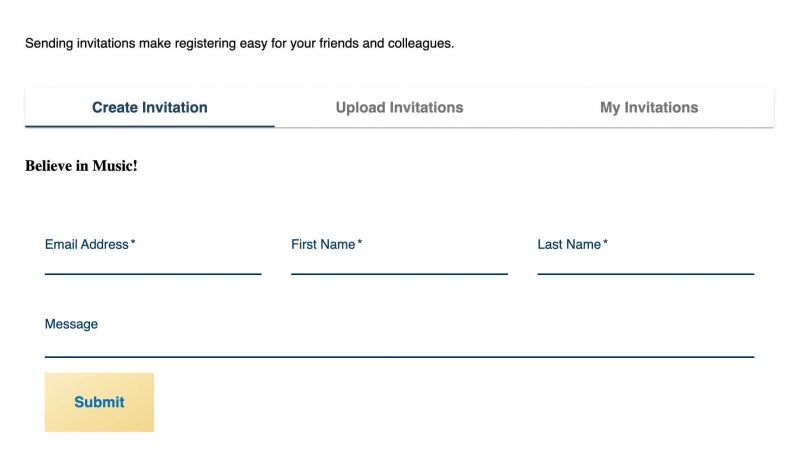
Create Invitation
- Allows you to send a single invitation
- Email, First Name and Last Name are required
- ‘Message’ is optional

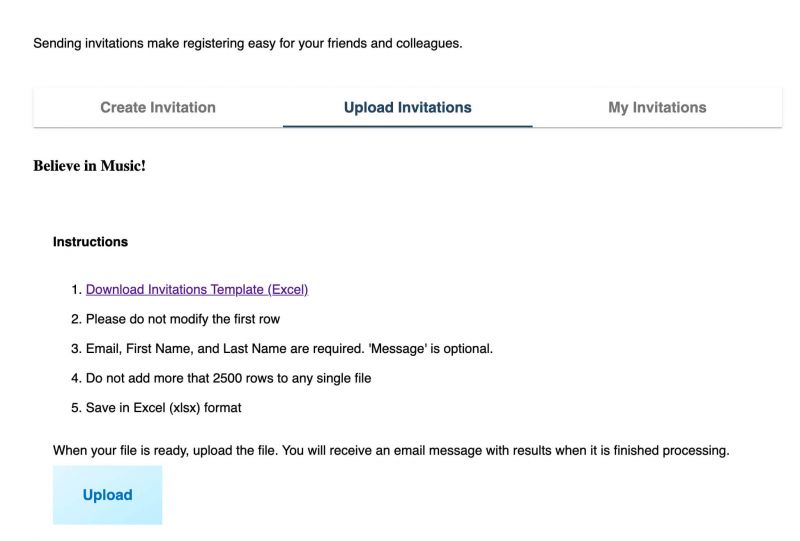
Upload Invitations
- Allows you to send bulk invitations by using our Excel template and uploading to our invite system
- Download Invitations template (Excel)
- Please do not modify the first row
- Email, First Name and Last Name are required
- ‘Message’ is optional
- Do not add more than 2500 rows to any single file
- Save in Excel
When your file is ready, upload the file.
You will receive an email message with results when it is finished processing.
My Invitations
- This is a view of all the invitations you have sent, along with their delivery status
- Check the box next to any invitation to re-send