How to Print Your Summer NAMM Badge at Home
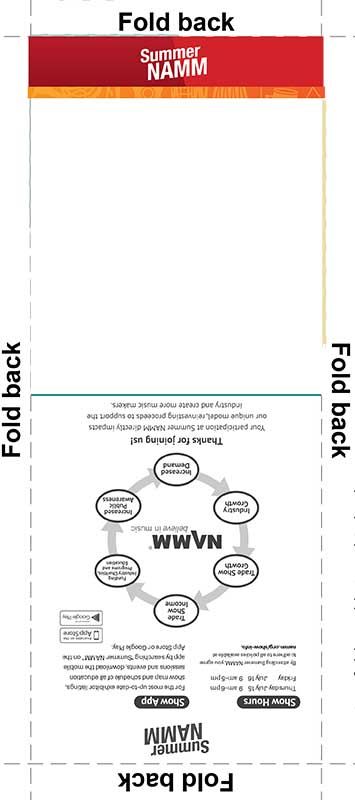
We’ve added more touchless options to registration this year, and your badge is now designed to be printed at home. Here are a few steps to print your badge at home:
- In your badge confirmation email, click the registration dashboard link to view your badge.
- Select the ‘Print Your Badge’ option from the menu to print your badge on a color or black and white printer
- Test your QR code with your mobile camera to ensure your name comes up
- If the QR codes doesn’t scan successfully, make sure ink levels in your printer are sufficient and / or try reprinting your badge
- Fold your badge now or on show site
- Arrive at Summer NAMM and go to express registration on Level 3 Lobby BC
- Be ready to show your printed badge with QR code and corresponding official photo ID
- Get your badge holder
- Enjoy Summer NAMM!
While we recommend that all attendees print their badges in advance to avoid any potential delays at registration, if you are not able to do so, we will have printers onsite and staff available to assist.
If you have any questions, we are here to help at registration@namm.org.